
GitHub README banner generator
Visitors decide in a few seconds whether a project is for them. A banner built from your real screenshots answers before they read a line. Add them below, download the PNG, paste two lines of Markdown.
Start with your screenshots
Import your desktop or mobile screenshots, or paste your website's address to capture it.
Click a template to start from it in the editor.
A banner that shows the product
Most README headers are a logo on a gradient. That says nothing about what the software does. A banner with the actual interface, framed in a browser or a phone, does the job of the first paragraph and the first screenshot at once.
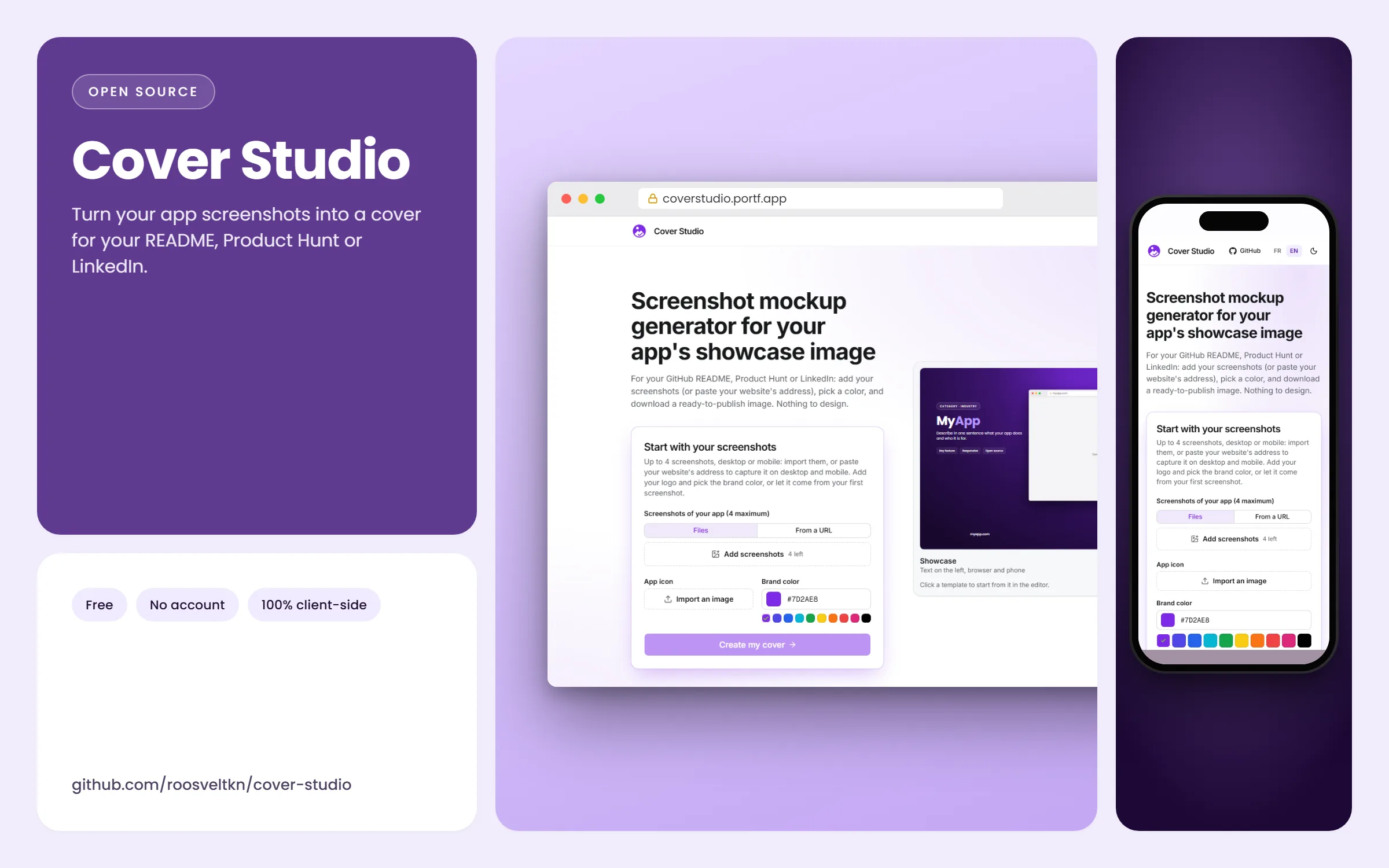
This page opens the editor in the Cover format, 2400 × 1500 (16:10). The README column on github.com is under 1,000 px wide, so the image stays sharp on high-density screens while GitHub scales it down.
Add it to your README
Commit the PNG to the repository (a docs/assets/ folder is a common choice) and reference it with a relative path, so the image follows forks and branches:
To control the width or centre it, GitHub also accepts plain HTML in a README:
<p align="center">
  <img src="docs/assets/cover.png" alt="My app: dashboard and mobile view" width="800">
</p>
GitHub supports the <picture> element too, so you can export a light and a dark version of the same banner and let the reader's theme pick one.
<picture>
  <source media="(prefers-color-scheme: dark)" srcset="docs/assets/cover-dark.png">
  <img src="docs/assets/cover.png" alt="My app: dashboard and mobile view">
</picture>
Banner or social preview?
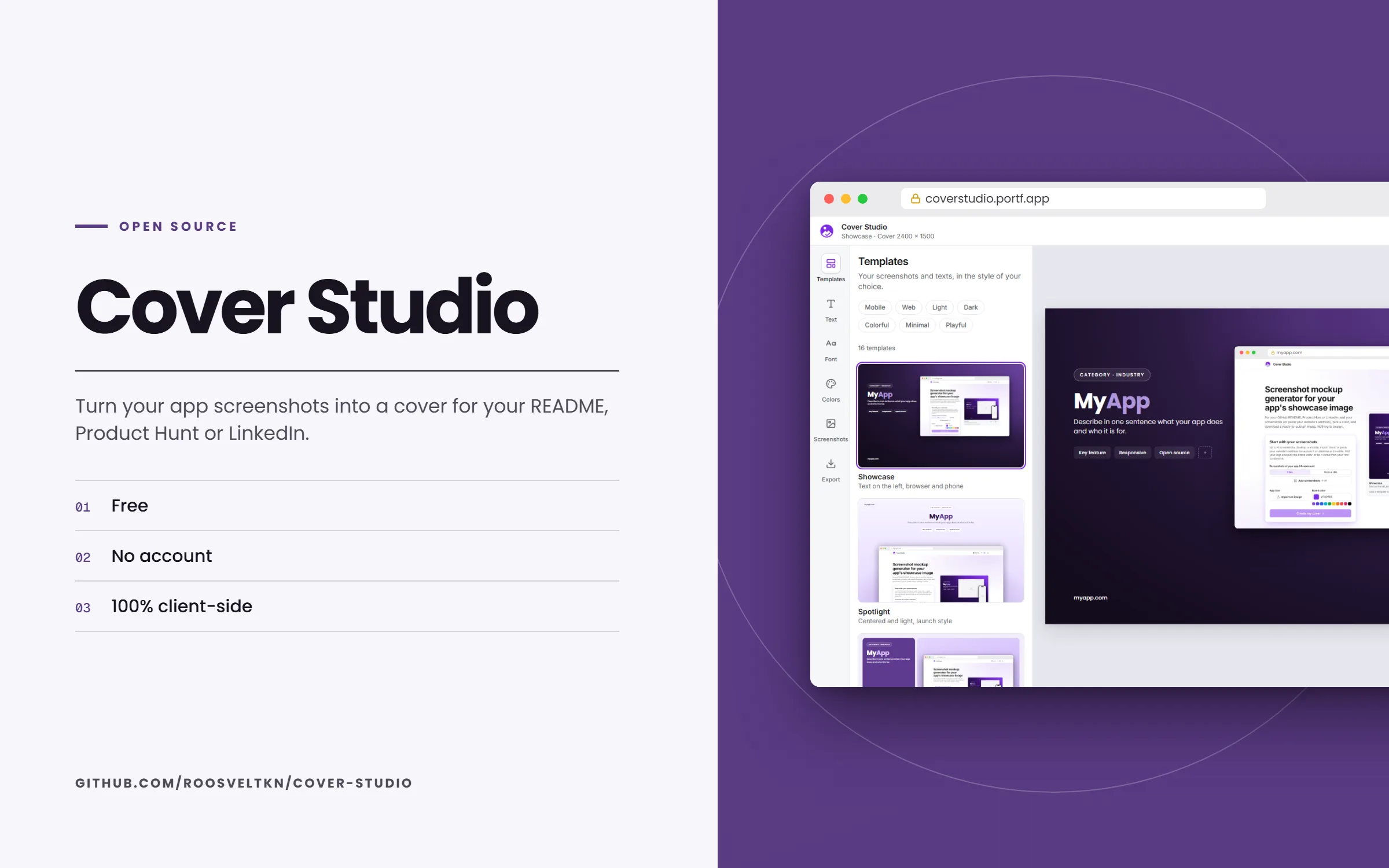
They are two different images. The README banner lives in the page; the GitHub social preview is the 1280 × 640 card shown when the repository link is shared elsewhere. Many projects use one design for both: build it here, then switch the format to GitHub in the Export panel and download it a second time.
Keep it honest and light
- Use current screenshots: a banner that no longer matches the app costs more trust than no banner.
- Write the alt text as a sentence about the product, not "banner".
- Re-export when the interface changes. Cover Studio keeps your texts and colours in the browser, so it takes a minute.
- If the repository is a library without a UI, a banner of a demo or of the docs site works better than an empty frame.
Frequently asked questions
What size should a GitHub README banner be?
There is no imposed size. A wide image of at least 1600 px stays sharp on high-density screens; Cover Studio exports 2400 × 1500. Keep the file light enough to load fast.
Is this a GitHub profile banner?
No. Profile READMEs usually want a decorative header about a person. This page is about a project: the banner shows the app from its screenshots.
Can I edit the banner later?
Yes. Your texts and colours are kept in your browser; import new screenshots and export again.
Do I need an account or a watermark-free plan?
No account, no watermark, no export limit: Cover Studio is free and open source (MIT).